QR Code Generator
Create a QR code from any text or URL in moments.
QR code generator and scanner
QR Kot generates QR codes from text and URLs, scans them with your camera, and lets you combine a code with your own photo — move it, resize it, and create a graphic that looks like you.
No account needed. Core features work on your device.
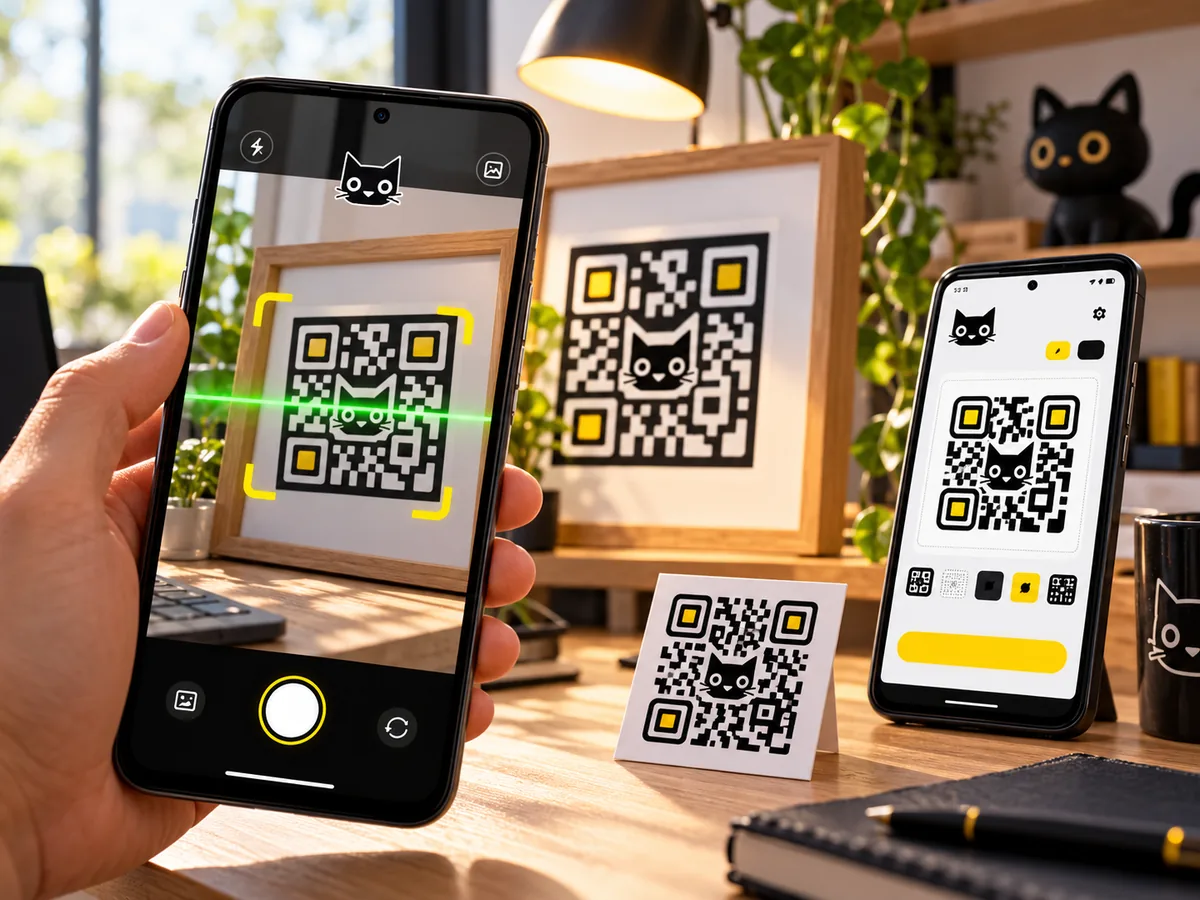
QR Kot promotional illustration
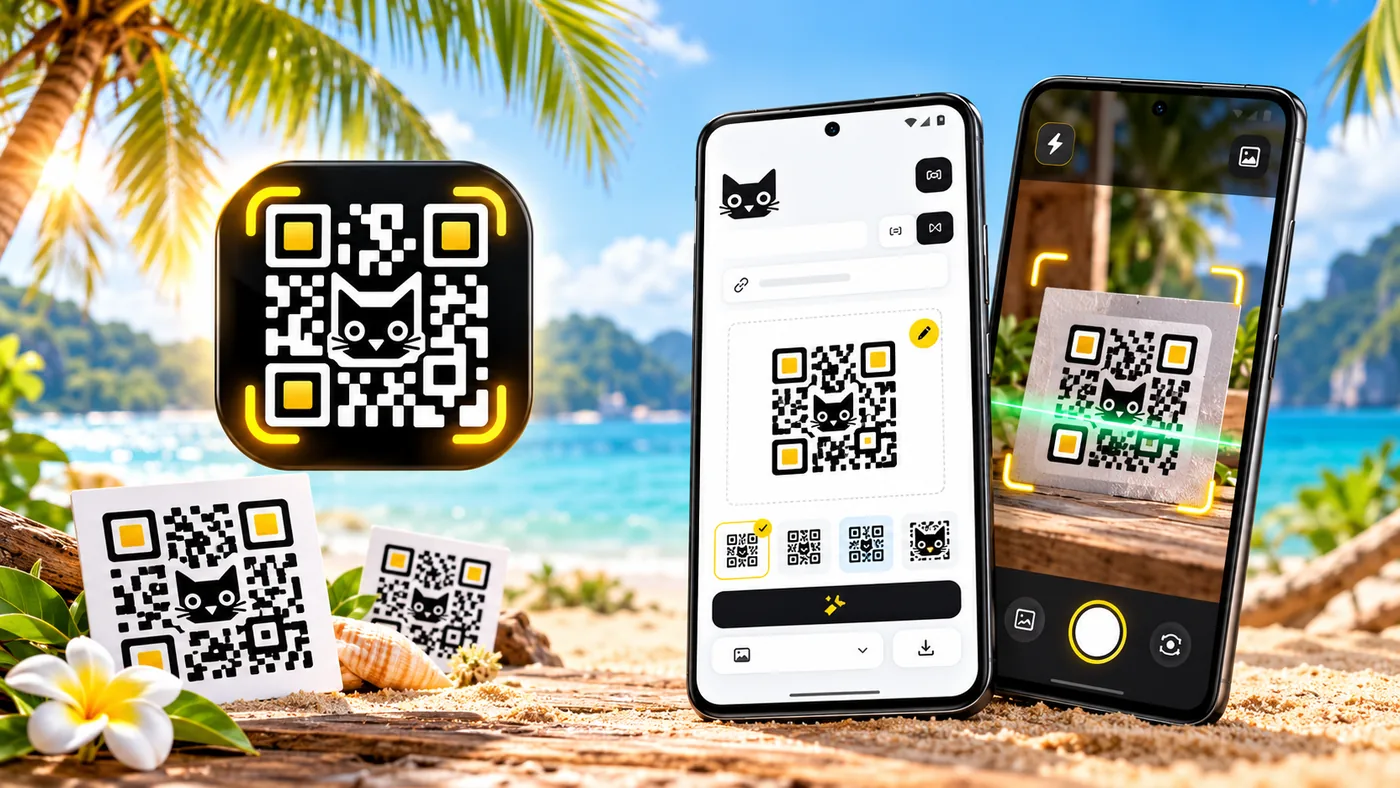
Promotional illustration: custom background and QR code
Create custom QR graphics
Pick a photo from your gallery or take a new one, place a QR code on it, adjust the position and size — then share the finished graphic.
Take a photo with the camera or select an image from your gallery.
Place the code on the photo and move it until the composition feels right.
Resize the code, save the graphic, and share it with others.
Great for:
QR Kot creates the finished graphic — you can share it or use it in other materials. The app does not handle printing.
Features
From a quick code to a one-of-a-kind graphic — QR Kot brings everyday QR tools together in a simple app.
Create a QR code from any text or URL in moments.
Scan codes directly with your smartphone camera and read their contents.
Select an image from your device and read the QR code inside it.
Paste a copied image containing a QR code and read it without using the camera.
Use a camera photo or a gallery image as the background for your QR graphic.
Place your QR code exactly where you want it and scale it to fit.
Copy, share, and send finished codes and graphics.
How it works
Creating a graphic with a custom background is optional — you can generate or scan an ordinary QR code just as quickly.
Generate a code from text or a URL, or read an existing code.
If you want to create a graphic, take a photo or pick an image from your gallery.
Position the QR code on the photo and adjust its size.
Save the finished graphic and share it or use it wherever you like.
You do not need to create a graphic to use QR Kot — the generator and scanner work on their own.
Privacy
QR Kot core features work locally and do not require an account.
Read the privacy policyThe full privacy policy is available in English.
Start using the core features right away — no sign-up or login.
Basic QR code and image operations are processed on your device.
The app may display advertisements through Google AdMob.
Google may process information in accordance with its policies and your settings.
Start creating
Generate, scan, and create custom QR graphics — all in one app.
Get QR Kot on Google PlayAvailable on Google Play